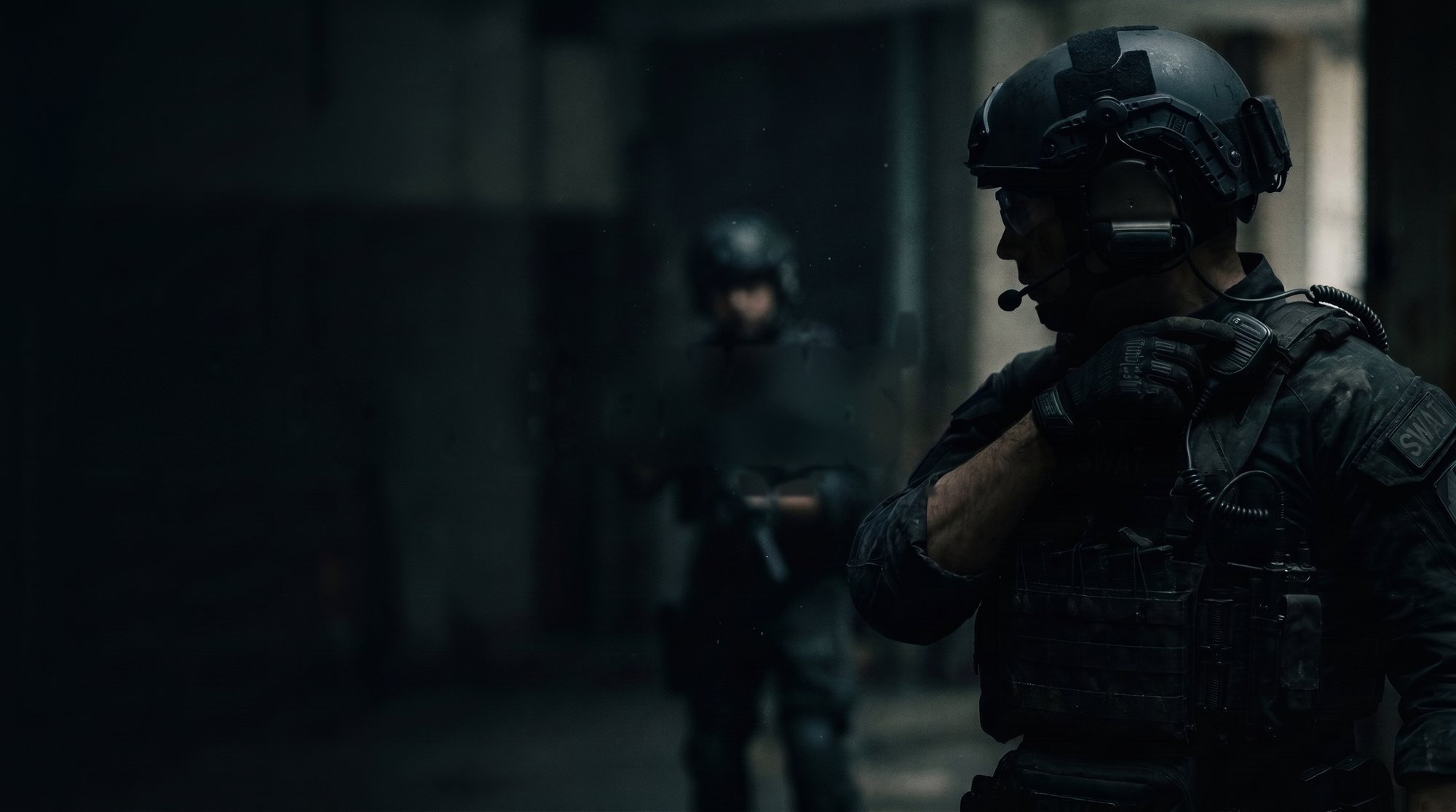
COMMS
Teammates and SWAT AI sound like they're in the room with you. Through a wall they come through muffled, and past 30 m they switch to the radio with a Motorola chirp. Also adds voice activation and a voice boost to Settings > Audio.
LISTEN
One teammate's line at different distances, rendered through the mod. Use headphones.
HOW IT WORKS
- Rooms
- Each room has its own reverb, following the game's reverb zones. The further away someone is, the more of the room you hear.
- Walls
- A voice through a wall comes through muffled but still clear enough to follow. Doorways and corners only dull it a little.
- Radio
- Past 30 m, or through too many walls, voices switch to the game's radio sound with a Motorola chirp. The start beep is gone.
- SWAT AI
- AI reports and callouts come over the radio when the AI is far away. Yelling at suspects and arrest commands always stay in the room.
- Voice boost
- Teammates are 6 dB louder by default, adjustable from 0 to 12 dB. Quiet mics come up more than loud ones, and nothing clips.
- Voice activation
- Adds Voice Activation, Mic Sensitivity and Mic Hold Time to Settings > Audio. F6 toggles it in game. Needs UE4SS.
VOICE ACTIVATION
Ready or Not only has push-to-talk. Comms adds Voice Activation, Mic Sensitivity and Mic Hold Time to Settings > Audio, right under Input Audio Device. When it is on, it holds push-to-talk for you while you talk, so your squad hears you exactly as if you held the key.
- Press F6 to toggle it in game: two chirps for on, one for off.
- Needs UE4SS, which most script mods already install. Everything else in Comms works without it.
SETTINGS
New rows in Settings > Audio.
- Teammate Voice Boost. 0 to 12 dB, 6 dB by default. Quiet mics come up more than loud ones, and a limiter stops anything clipping.
- SWAT AI Radio. Turns the radio treatment for your SWAT AI on or off.
- Voice Activation, Mic Sensitivity, Mic Hold Time. Only shown with UE4SS installed.
SWAT AI
Your SWAT AI follow the same rules as players, so the element clearing the far side of the building reports in over the radio.
- On the radio. Reports, callouts and "roger"s, when the AI is far away or behind walls.
- Always in the room. Yelling at suspects, arrest commands, "drop the weapon", pain and reloading. Nobody says those over the radio.
COMPATIBILITY
- Multiplayer. Only you hear the difference, so it works in any lobby, modded or not, and your squad doesn't need it.
- Conflicts. Other mods that use a version.dll in ReadyOrNot\Binaries\Win64.
- Beta. Expect rough edges, and report bugs on Discord.
CREDITS
Radio voice effect by VOID Interactive. Motorola chirp from Voicemod.
ALL VERSIONS
Older builds stay up in case an update breaks your setup.
| Version | Date | Notes | Size | Download |
|---|---|---|---|---|
| 0.2-beta LATEST | 2026-11-05 | SWAT AI voices now use the same proximity, wall and radio system as players. Teammate voices are louder: +6 dB by default, adjustable 0 to 12 dB, with a limiter so nothing clips. Removed the game's beep at the start of every Team-channel transmission. Only the end chirp is left. Radio voices have a little more presence so they cut through gunfire. New rows in Settings > Audio: Teammate Voice Boost, SWAT AI Radio. | 0.1 MB | Download |
| 0.1-beta | 2026-11-04 | First public release. | 0.1 MB | Download |